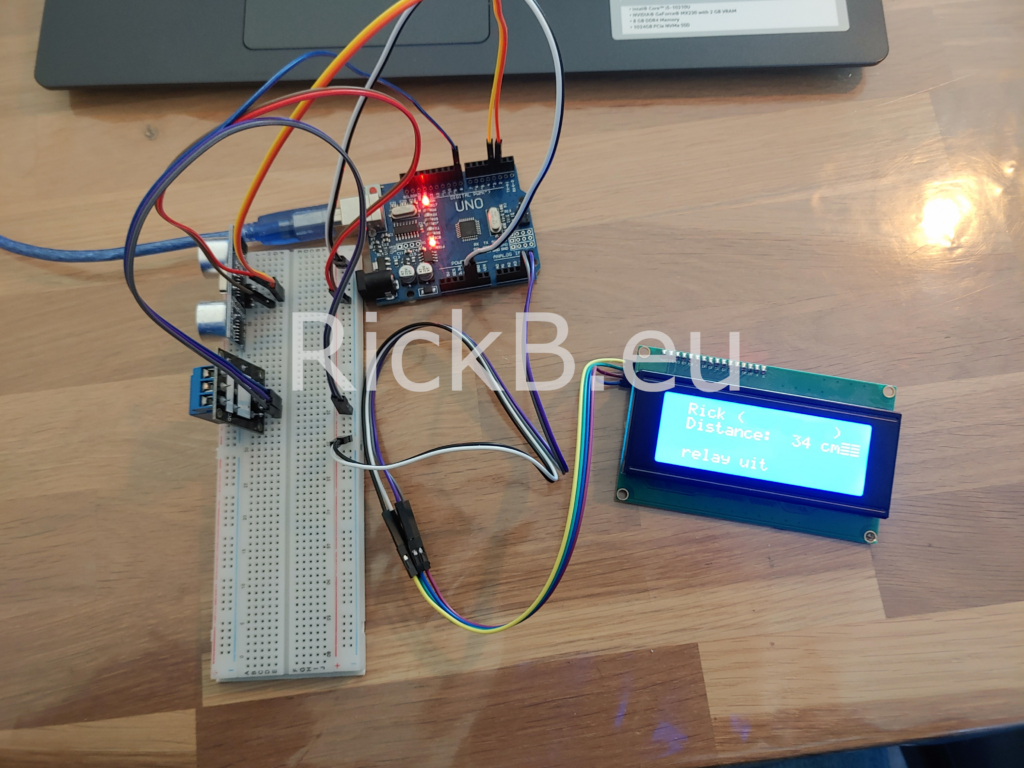
Relay op ultrasone en licht sensor.
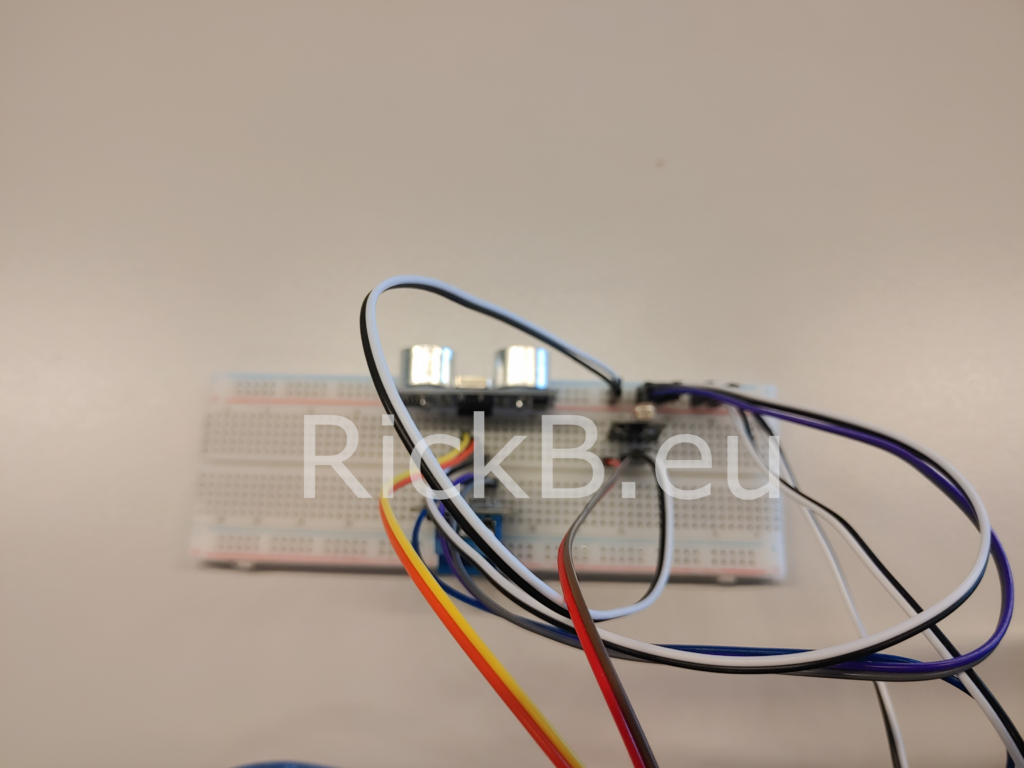
Aan de hand van de afstand en licht sterkte word bepaalt of het relais geschakeld moet worden. De afstand en lichtsterkte wordt van te voren bepaald en in gesteld. Aan de hand van het display kunnen de waardes (afstand en lichtsterkte), een naam en status weergegeven worden.
De arduino code
//projeckt RickB.eu

#include <LiquidCrystal_I2C.h>

LiquidCrystal_I2C lcd(0x3F, 20, 4);

#define echoPin 2 // attach pin D2 Arduino to pin Echo of HC-SR04

#define trigPin 3 //attach pin D3 Arduino to pin Trig of HC-SR04

// https://create.arduino.cc/projecthub/abdularbi17/ultrasonic-sensor-hc-sr04-with-arduino-tutorial-327ff6


// defines variables

long duration; // variable for the duration of sound wave travel

int distance; // variable for the distance measurement


// verbind de ultrasone sensor als volgt

// arduino >>> ultrasone sensor

//    5V   >>> VCC

//    D2   >>> ECHO

//    D3   >>> TRIG

//   GND   >>> GND


int lichtSensor = 11;

//sluit de licht sensor aan op pin 11

int lichtSensorStatus;


int relaypin = 8;

// sluit de relay aan op digitale pin 8


void setup() {

   lcd.init();

   lcd.backlight();


  // ultrasone sensor

     pinMode(trigPin, OUTPUT); // Sets the trigPin as an OUTPUT

     pinMode(echoPin, INPUT); // Sets the echoPin as an INPUT

     Serial.begin(9600); // // Serial Communication is starting with        9600 of baudrate speed

     Serial.println(“Ultrasonic Sensor HC-SR04 Test”); // print some   text in Serial Monitor

     Serial.println(“with Arduino UNO”);

     Serial.println(“RickB.eu”);


pinMode(relaypin, OUTPUT);

pinMode(lichtSensor, INPUT);


}


void loop() {

  lcd.setCursor(2, 0);

   lcd.print(“Rick (RickB.nl)”);

   lcd.setCursor(2, 2);

   lcd.print(“relay status”);

   lcd.setCursor(2, 1);

   lcd.print(“Distance:  “);

   lcd.print(distance);

   lcd.println(” cm”);

   lcd.setCursor(2, 3);


  // Clears the trigPin condition

  digitalWrite(trigPin, LOW);

  delayMicroseconds(2);

  // Sets the trigPin HIGH (ACTIVE) for 10 microseconds

  digitalWrite(trigPin, HIGH);

  delayMicroseconds(10);

  digitalWrite(trigPin, LOW);

  // Reads the echoPin, returns the sound wave travel time in microseconds

  duration = pulseIn(echoPin, HIGH);

  // Calculating the distance

  distance = duration * 0.034 / 2; // Speed of sound wave divided by 2 (go and back)

  // Displays the distance on the Serial Monitor

  Serial.print(“Distance: “); // de afstant is in cm

  Serial.print(distance);

  Serial.println(” cm”);


lichtSensorStatus=analogRead(lichtSensor);

Serial.println(lichtSensorStatus);

if (distance  < 30 & lichtSensorStatus <=100){

 lcd.print(“relay aan”);

 digitalWrite(relaypin, HIGH);


 delay(1000);

 Serial.print(“relay aan”);

 lcd.setCursor(2, 2);

 lcd.print(”           “);


}


else {

  lcd.print(“relay uit”);

  digitalWrite(relaypin, LOW);


  delay(1000);

  Serial.print(“relay uit”);

  lcd.setCursor(2, 2);

  lcd.print(”          “);


}

//projeckt Rickb.eu

}